
Q.How do I disable button tooltips on list pages?
Views: 1,908
On certain list pages throughout the Shop Manager, there are buttons which have tooltips that appear on mouseover:
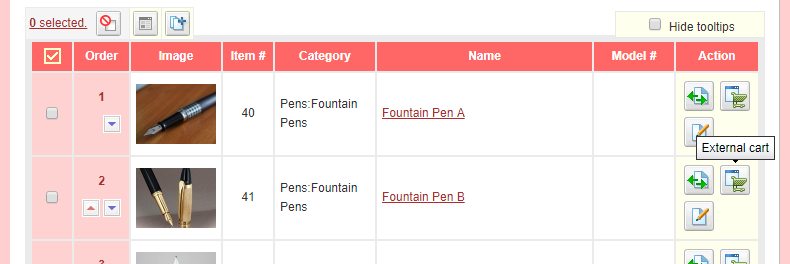
These tooltips can be disabled by selecting the Hide tooltips checkbox at the top right of the list.
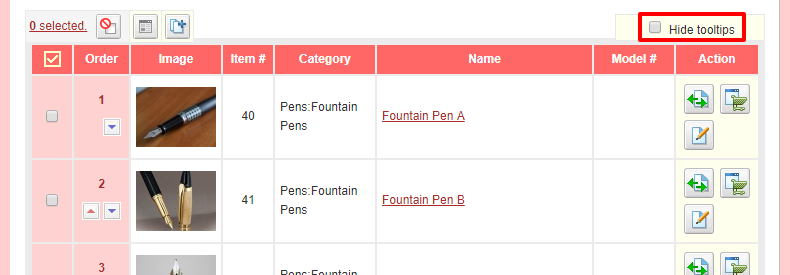
This is a shared setting, which means that it applies to all relevant list pages whenever you change the setting on one of the pages. These pages are:
- Orders → Order list
- Orders → Members
- Inventory → Item list
- Inventory → Prerelease items
- Inventory → Metagroups
- Inventory → Reviews
- Inventory → Item customization
Last update: 11 Apr 2018 14:26