
Q.How do I pay for my Ochanoko subscription?
Views: 2,838
To pay for your Ochanoko subscription, navigate in your Shop Manager to Basic Settings → Subscription details. In the Payment section, click the  (Pay with PayPal) or
  (Pay by credit card) button.
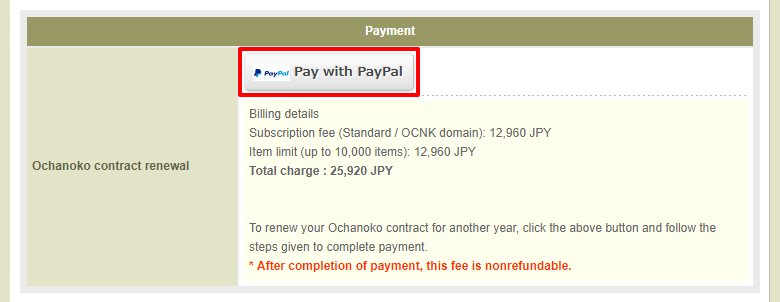
You will be redirected to a screen where you can complete payment. After payment is confirmed, you will receive an email informing you, and all features of your website will become available.
Last update: 11 Apr 2018 10:50